- Email Usadmin@nwavuxeni.co.za
- Call Us+27 71 420 0731
-
FeedbackComplain

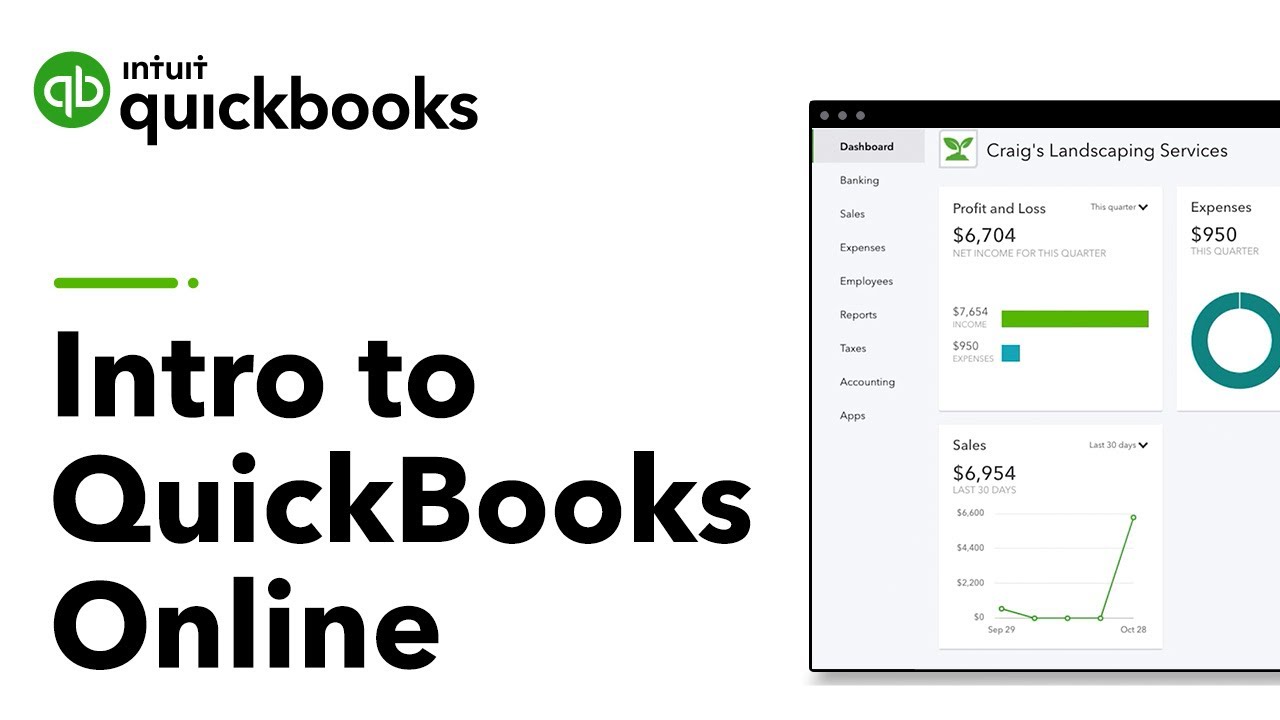
Steps to create a company file:
Log in to QuickBooks Online.
Go to Settings → Account and Settings → Company.
Enter:
Company name
Business type (e.g., Sole Proprietorship, LLC, Corporation)
Company address and contact info
Fiscal year start date
Save your settings.
Tip: Use the Chart of Accounts to organize financial categories (assets, liabilities, income, and expenses).